Build your own Home Assistant dashboard cards in plain HTML
HTML Action Card renders HTML and CSS with live entity states, tap, hold and press actions, and optional JavaScript. One custom card for every design, instead of a new custom card for every button. Write cards by hand, take one from the showroom, or let an AI write it.
Or in HACS: ⋮ → Custom repositories → https://github.com/davidrot/ha-html-action-card, type Dashboard.
The cards running in Home Assistant, adding one, picking its entities in the form, and the security rating.
Four building blocks
{{ light.kitchen.state }}Insert a live value. Attributes too: {{ light.kitchen.attributes.brightness }}.
data-show-if="…"Show an element only while a condition is true.
data-action="light.toggle"Call any service, toggle, open more-info, navigate or open a URL.
data-event="hold"Choose when: tap, hold, double tap, press and repeat, release.
Need more? A <script> block gets a small card API. Cards can declare their entities like a blueprint, so the editor shows a form, and every card gets a security rating that explains what it can do. Nothing is blocked.
Quick look
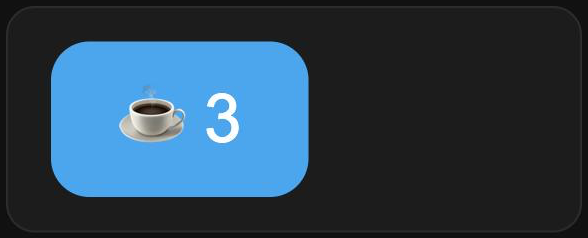
A counter you tap
<style>
  button { font-size: 28px; padding: 14px 28px; border: 0; border-radius: 16px;
           background: var(--primary-color); color: white; cursor: pointer; }
</style>
<button data-action="counter.increment" data-entity="counter.coffee">
  ☕ {{ counter.coffee.state }}
</button>
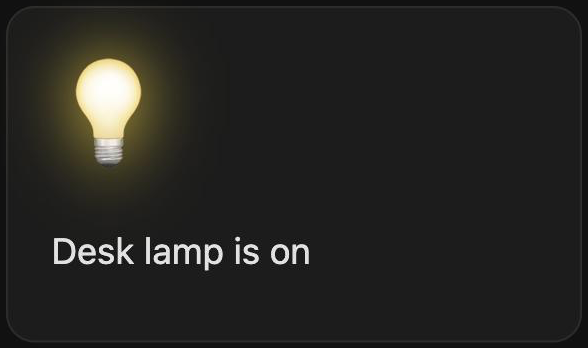
A lamp that shows its state
<style>
  .bulb { font-size: 48px; cursor: pointer; filter: grayscale(1) opacity(.4); }
  .bulb.on { filter: drop-shadow(0 0 14px gold); }
</style>
<div class="bulb {{ light.desk.state }}"
     data-action="toggle" data-entity="light.desk">💡</div>
<p>Desk lamp is {{ light.desk.state }}</p>
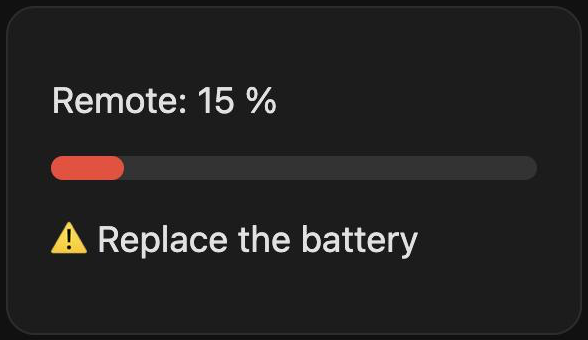
A battery bar with a warning
<style>
  .bar { height: 10px; border-radius: 5px; background: #333; }
  .fill { height: 100%; border-radius: 5px; background: #4caf50; }
  .fill.low { background: #f44336; }
</style>
<p>Remote: {{ sensor.remote_battery.state }} %</p>
<div class="bar">
  <div class="fill {{ sensor.remote_battery.state < 20 ? 'low' : '' }}"
       style="width: {{ sensor.remote_battery.state }}%"></div>
</div>
<p data-show-if="sensor.remote_battery.state < 20">⚠️ Replace the battery</p>
Showroom
Ready-to-paste cards. Paste one into the card editor and pick your entities in the form.
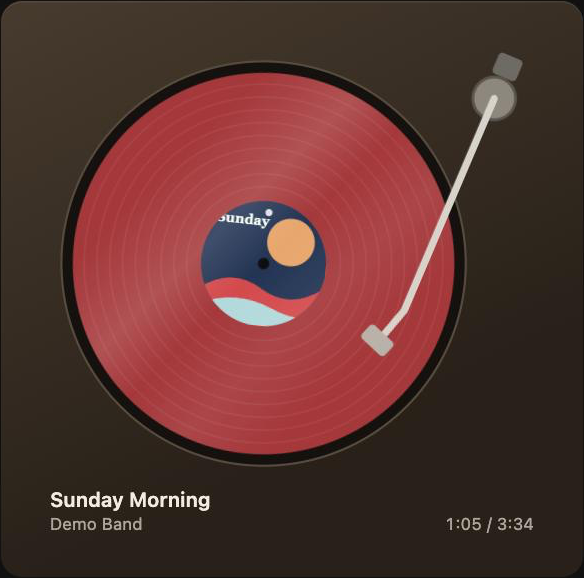 TurntableA media player as a record player.
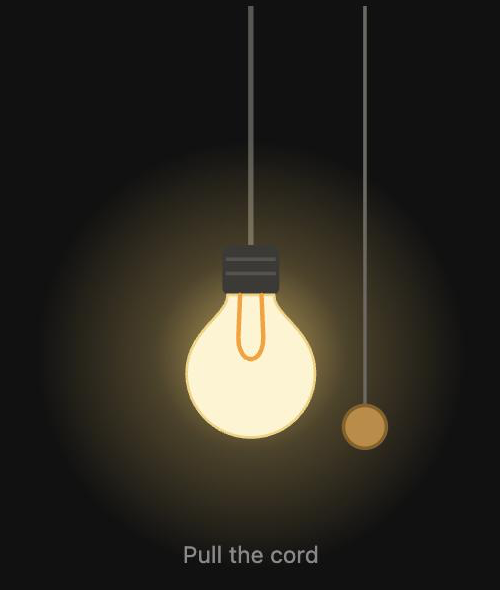 Pull-cord lampPull the cord to switch a light.
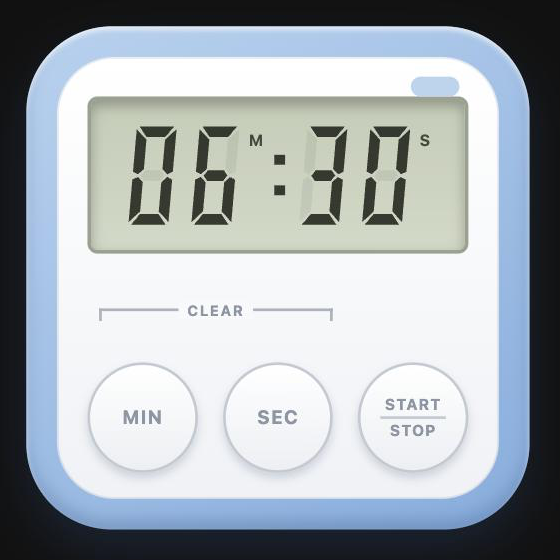 Kitchen timerThree buttons, backed by a Timer helper.
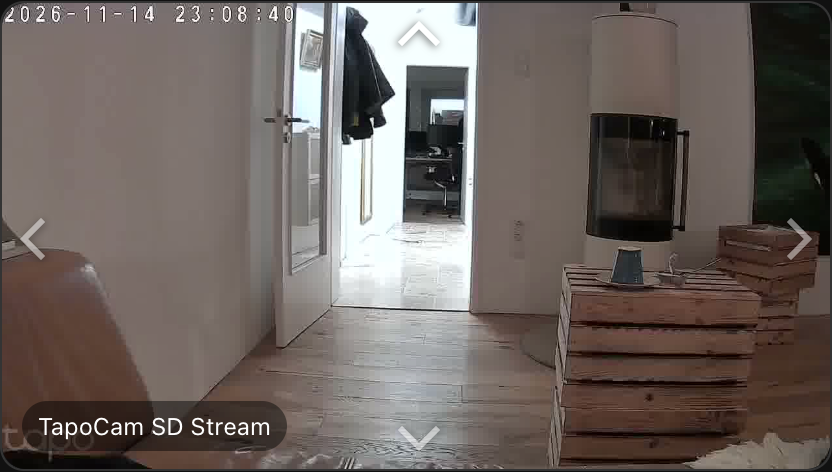 Camera controlThe camera picture is the joystick.
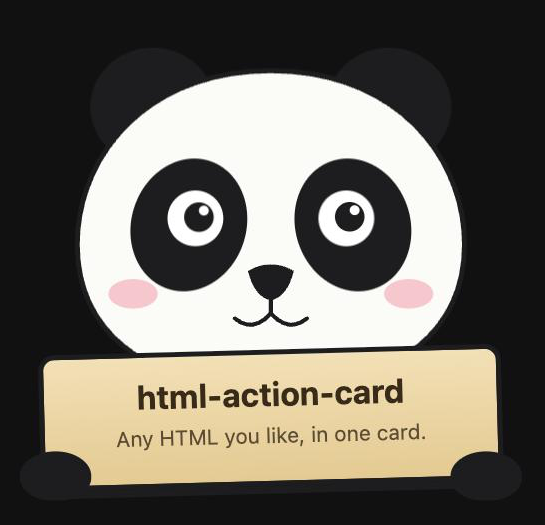 PandaHolds a sign and follows your cursor.
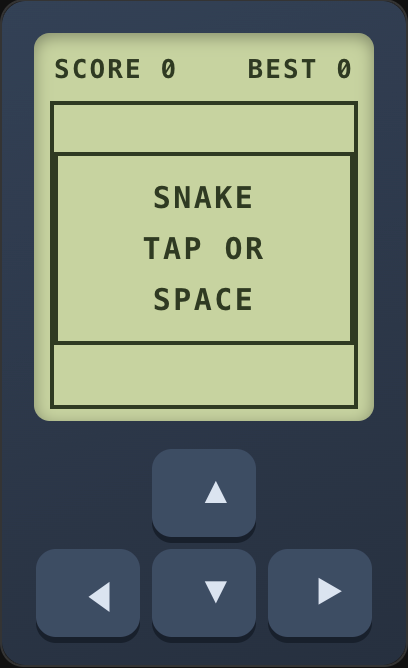 SnakeA game in a dashboard card.
Use cases
FAQ
How do I design my own buttons in Home Assistant without button-card or card-mod YAML?
Add an HTML Action Card and write the button in HTML and CSS, for example <button data-action="light.toggle" data-entity="light.kitchen">{{ light.kitchen.state }}</button>. Any look CSS can produce is possible, and the state updates live.
Can I use HTML, CSS and JavaScript in a Home Assistant dashboard?
Yes, that is what this card is for. The content is rendered as written inside a Shadow DOM, so your CSS stays in the card. A script block gets a small card API to call services, read states and react to changes.
How do I build a joystick or touch control for a PTZ camera (Tapo, Reolink, …)?
Use the camera control card: the live picture is the joystick, and pressing an edge moves the camera. For separate arrows, use data-event="press" data-repeat="300" data-action="button.press" with the camera's move buttons.
How do I let ChatGPT, Claude or another AI create a Home Assistant card?
Paste the prompt from the repository into the assistant, describe the card and paste the result into the card editor. The security rating shows what the generated code does. More.
Is it safe to paste HTML or scripts from the internet?
Nothing is blocked, but the editor rates every card green, yellow or red and lists the reasons: scripts, external resources, network access, sensitive actions without confirmation and more.
Can a card remember things after a page reload?
Yes. card.store keeps values in the browser, and Home Assistant helpers share them across devices.
How do I show something only when a sensor has a certain value?
Add data-show-if to any element, for example data-show-if="binary_sensor.window.state == on".
How is this different from button-card, Mushroom or Bubble Card?
Those are excellent cards with their own options and styles. HTML Action Card has no fixed design: you write the markup, so one card covers a joystick, a media player, a timer or a game.
Install
Or in HACS: ⋮ → Custom repositories → https://github.com/davidrot/ha-html-action-card, type Dashboard.